A tour of the editor
Five minutes of context for what Micropage actually does, with screenshots from a real project.
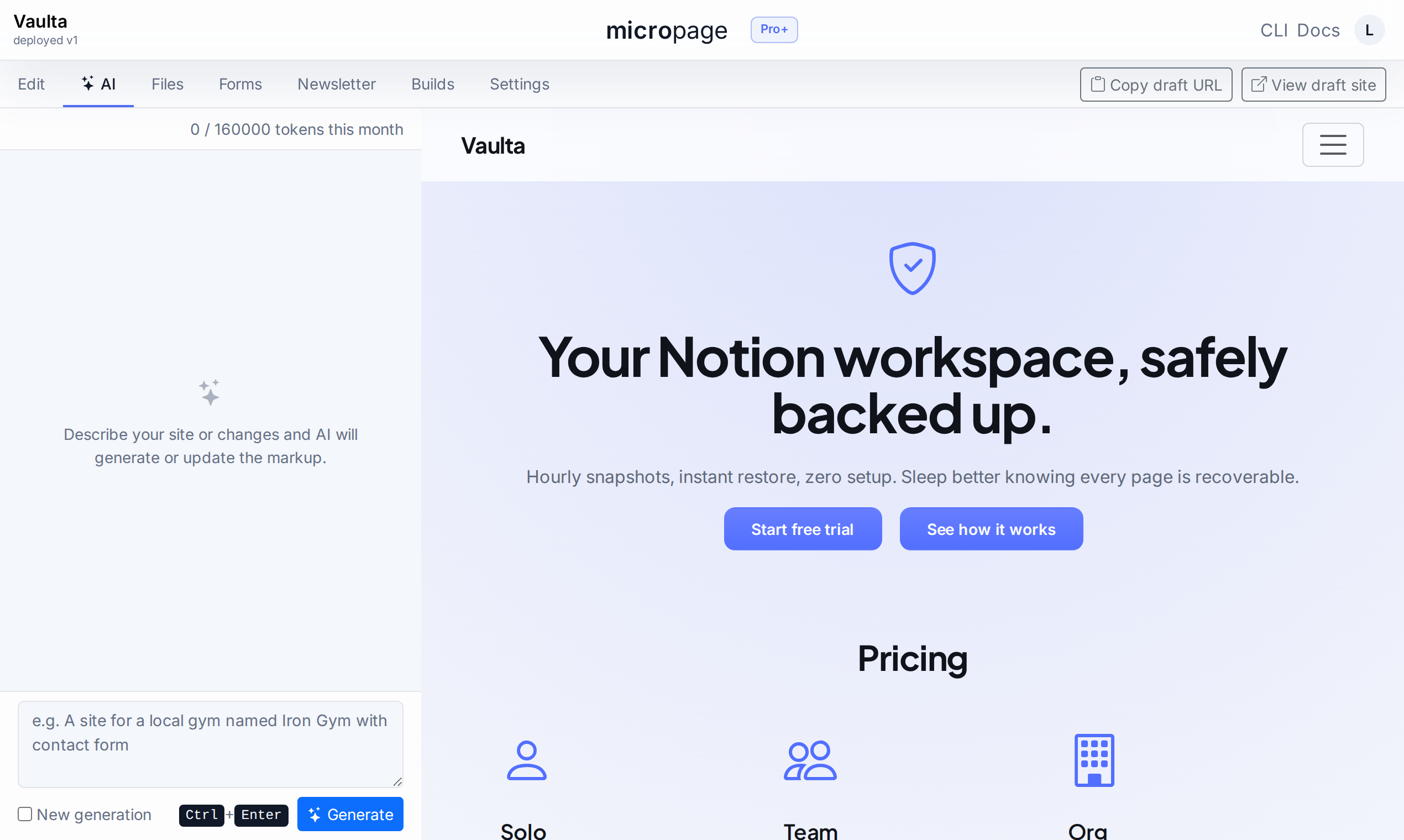
Markup on the left. Live preview on the right.
Edit a .page file like code
The editor's source pane is plain text. Headings, paragraphs, columns, sections — line-prefix tags, no nesting bugs. Save and the right pane re-renders.
Switch to the AI tab and prompt instead. Both paths produce the same markup, editable forever after.
Forms with webhooks, CSV export, payload spec.
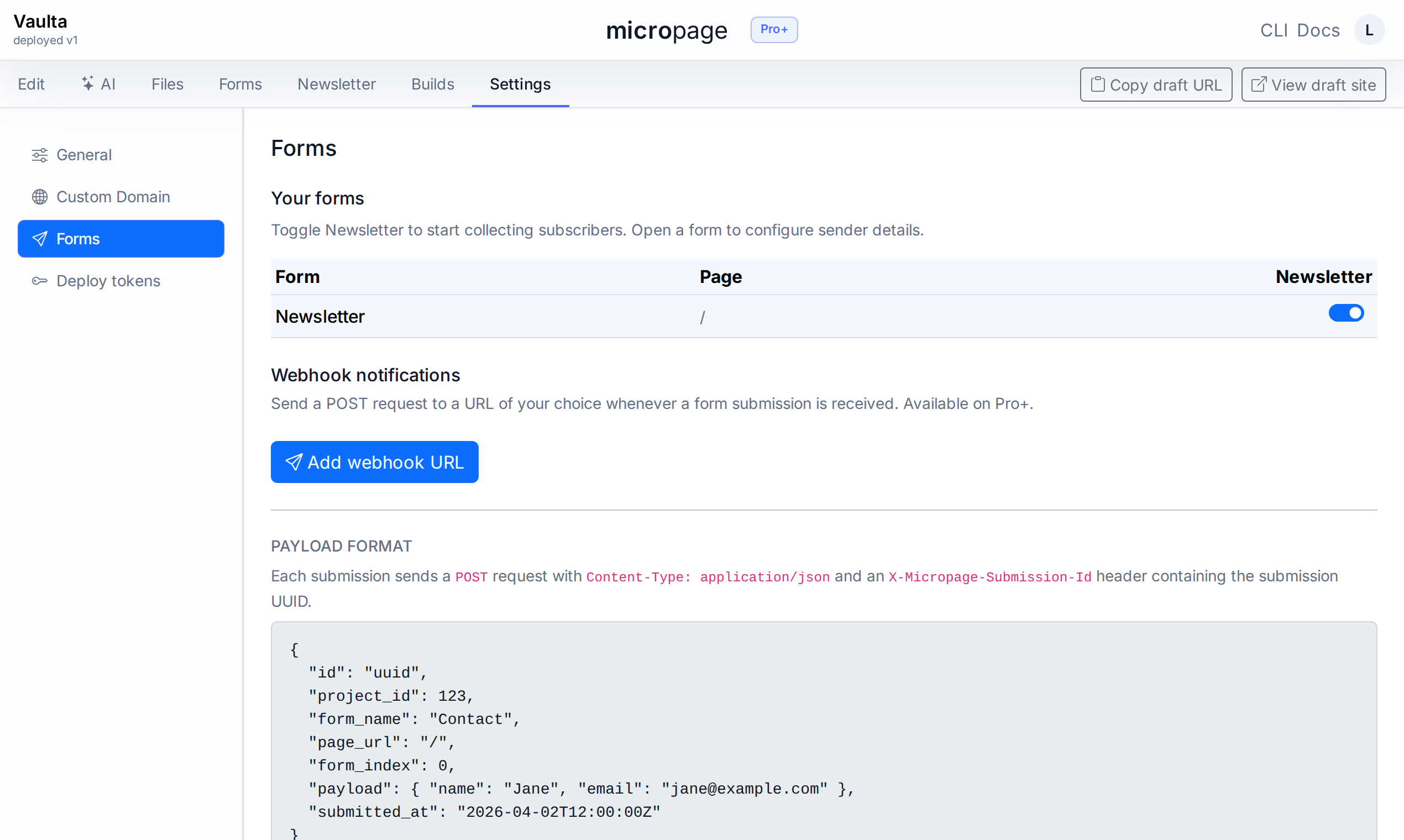
No backend to write
Drop a form block into your markup, save the build, and submissions start flowing. Storage, CSV export, and email notifications come for free.
For Pro+ accounts, every submission also fires a POST to a webhook URL of your choice with a fully documented payload. Deliveries include a project id, form name, page URL, and the full field map.
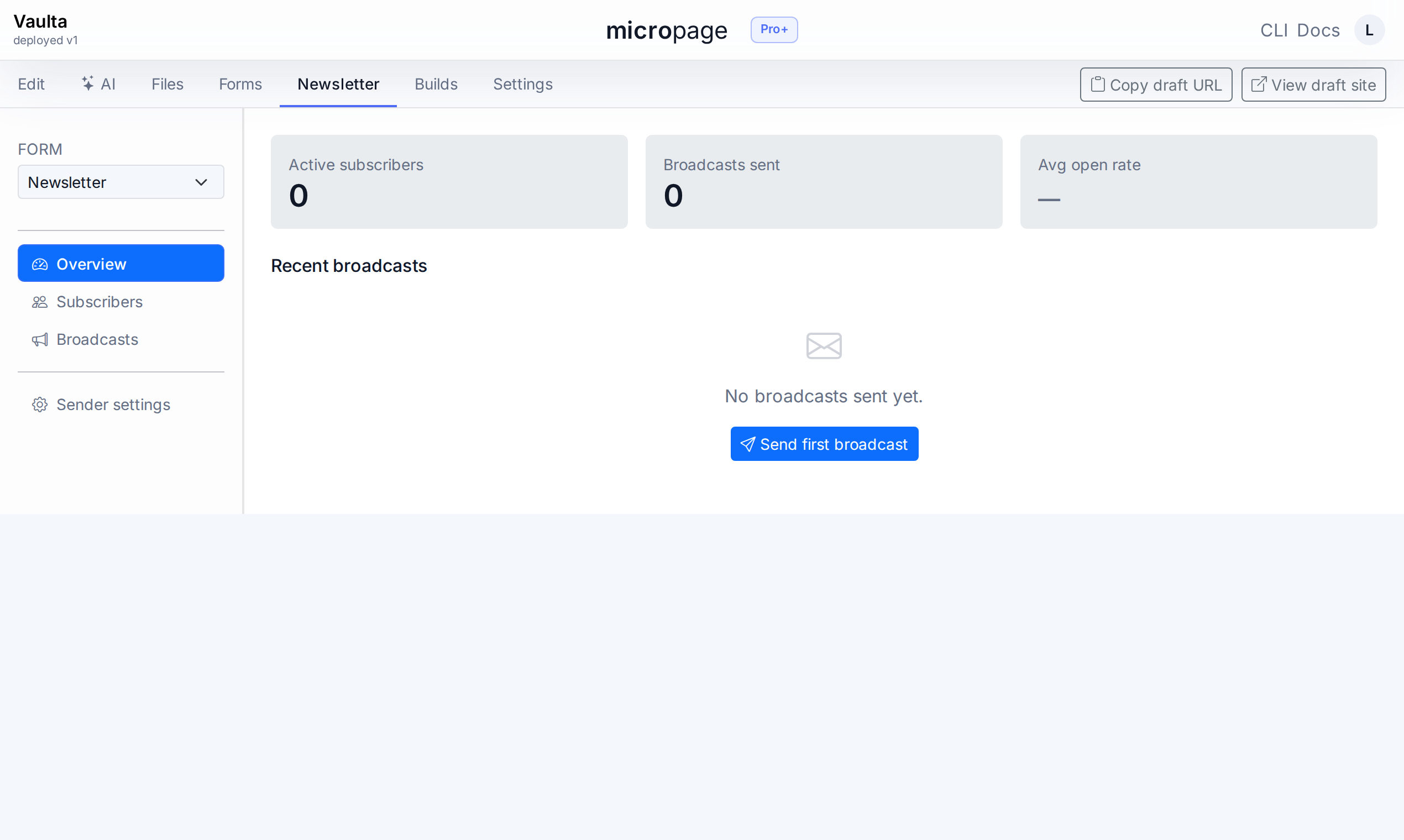
Newsletter — subscribers and broadcasts.
Capture leads, send updates
Toggle Newsletter on any form and submissions become persistent subscribers instead of one-off rows. Welcome emails fire on signup. From-name and reply-to live in sender settings.
The Broadcasts composer ships markdown, preview, test-send-to-myself, and a delivery report. No third-party email tool, no separate dashboard.
Builds, rollback, and downloadable archives.
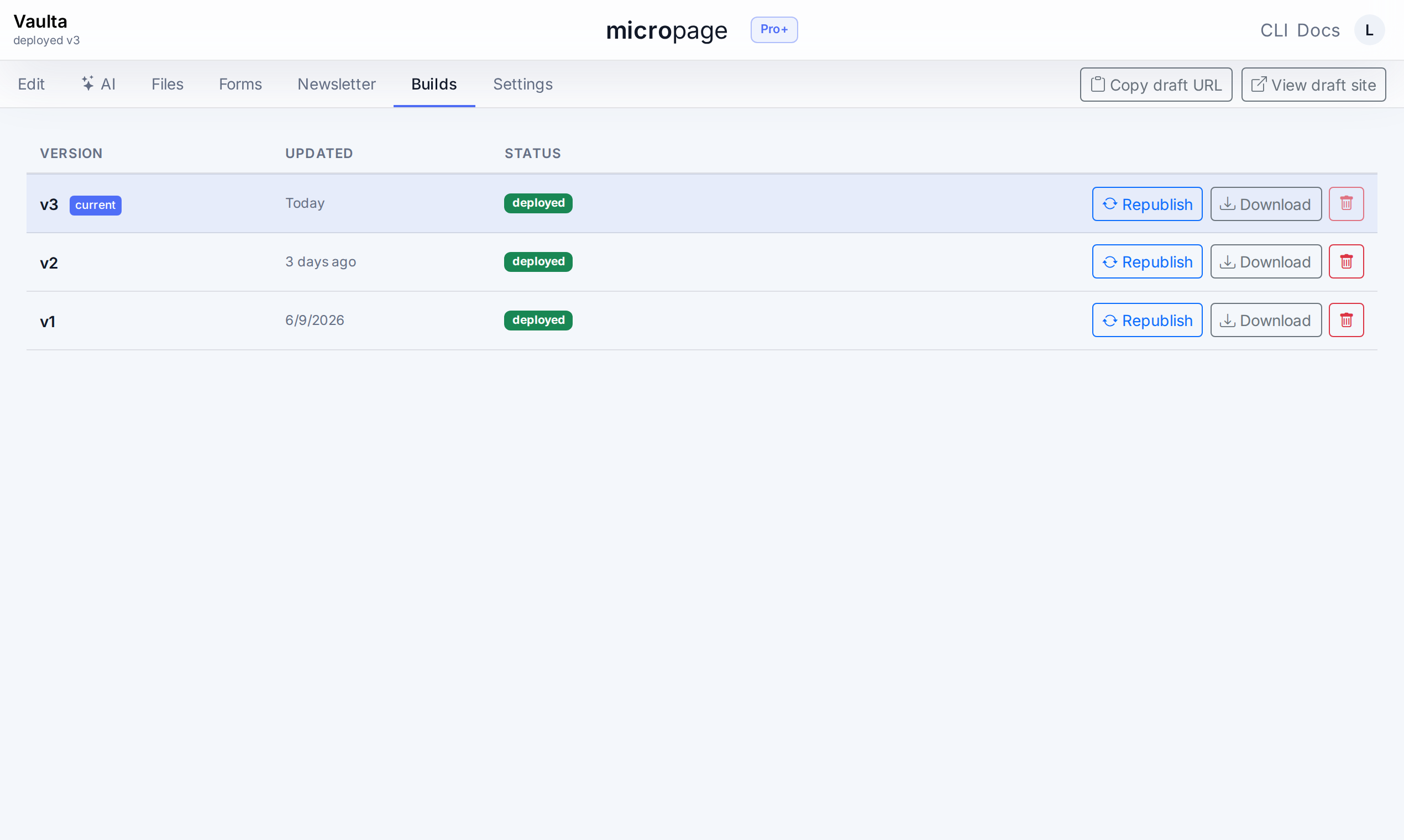
Every deploy is reversible
Each publish creates a numbered build. Rollback is one click. The current build's status shows on every screen so you always know what's live.
Pro+ accounts can download any build as a static .zip and host it on Cloudflare Pages, Netlify, S3, or your own server. No lock-in, ever.